This entry is catalogued from the vendor’s public documentation and pricing page. Because we have not run InVideo against our standard brief, we deliberately do not publish an editorial score for it — a number we could not defend would be worth less than no number at all.
Save it to set a status, keep notes, and get price-change alerts.
What is InVideo?
InVideo is an AI tool for turning long-form recordings into short, platform-ready content.
All-in-one AI video generator that creates scripts, selects stock footage, adds subtitles, and applies realistic voiceovers from a simple text prompt. InVideo is built for turning long-form recordings into short, platform-ready content. Its highlighted capabilities include Text to Video, YouTube Automation, Faceless Video, AI Scripting. Use it when a podcast, interview, webinar, or long video needs a faster path to multiple short-form posts.
Best for: turning long-form recordings into short, platform-ready content
This entry is catalogued from public sources — we have not run InVideo ourselves. Read our methodology.
InVideo in depth
InVideo AI targets the "type a prompt, get a video" workflow: describe the video you want and it drafts the script, picks stock footage, adds a voiceover and subtitles, and hands you an editable result. It is aimed squarely at faceless and marketing content — listicles, explainers, product promos and social clips assembled from stock media.
The strength is velocity and low skill floor; the ceiling is sameness. Stock-driven assembly looks like stock-driven assembly, so channels built purely on it tend to blend together. It works best as a first draft that a human then reshapes, or for formats where template polish is acceptable.
Common use cases
▸Faceless explainer and listicle videos from a text prompt
▸Marketing promos assembled from stock footage
▸High-volume social content with minimal editing time
+Marketers needing quick promo videos without an editor
+Beginners who want a full pipeline from one prompt
Skip it if
−Original footage and a unique look are your differentiator
−You dislike stock-footage aesthetics
−You need precise editorial control over every shot
InVideo FAQ
How much does InVideo cost?+
InVideo is a freemium product. Entry pricing starts at $20/mo. We confirmed this on the vendor pricing page on 2026-08-06.
Is InVideo free?+
InVideo has a free tier with usage limits, plus paid plans that unlock more capacity and features. For monetised channels, check what the free tier permits commercially before relying on it.
Has Noxifera tested InVideo hands-on?+
Not yet. So far a human has verified InVideo's pricing on the vendor's page (2026-08-06), but we have not run the tool ourselves. No score is published until a test with public evidence exists.
What are the best alternatives to InVideo?+
In our catalog, the closest video repurposing alternatives include OpusClip, CapCut, Submagic. Each has its own page with pricing and verification status so you can compare on facts, not hype.
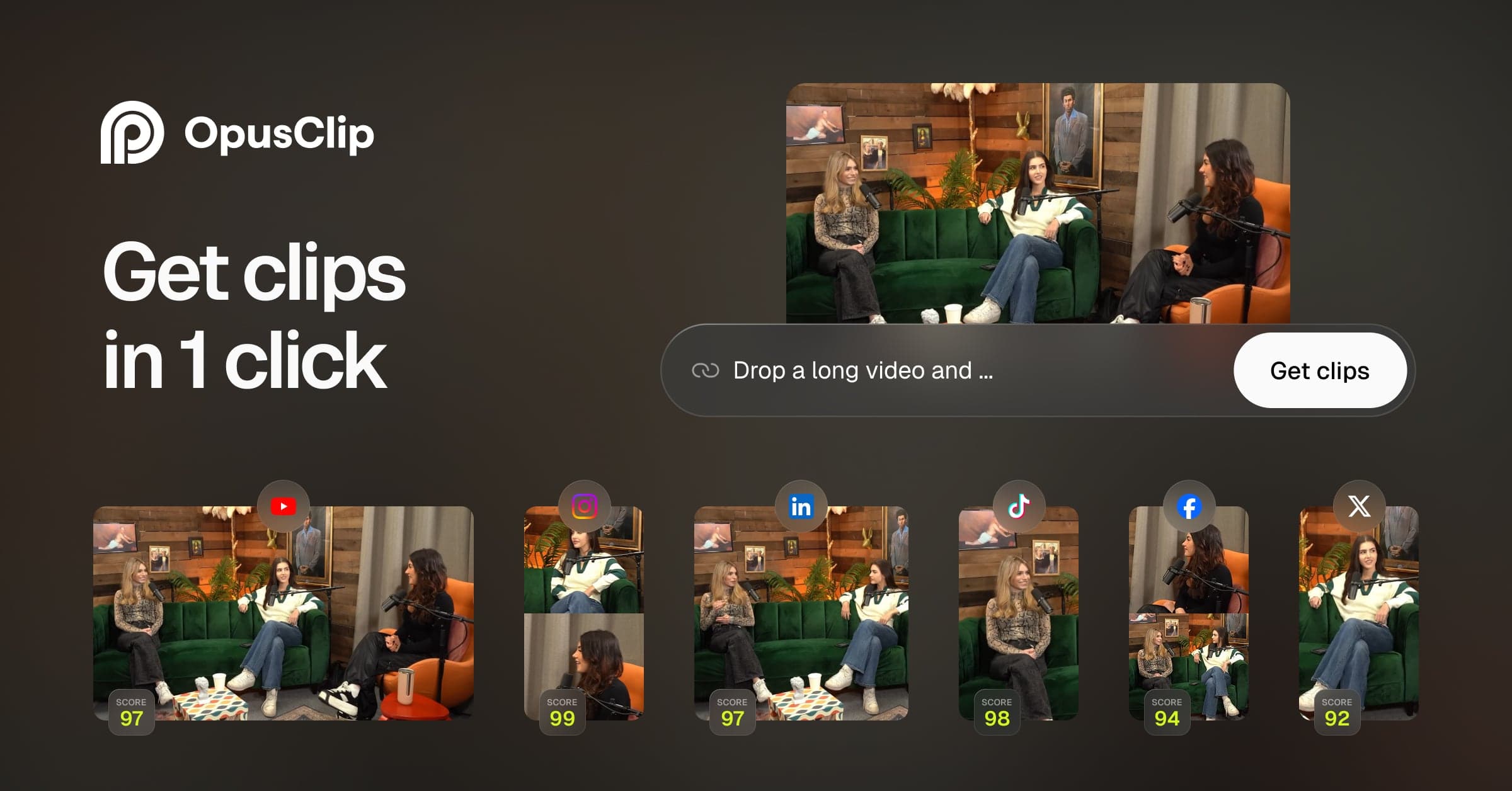
OpusClip analyzes long-form videos using AI virality scoring to extract the highest-retention vertical clips. Auto-captions, emojis, and smart reframing included.
Synchronizes animated captions with your voice, inserts context-aware B-roll graphics, applies smooth camera zoom transitions, and adds subtle sound effects.