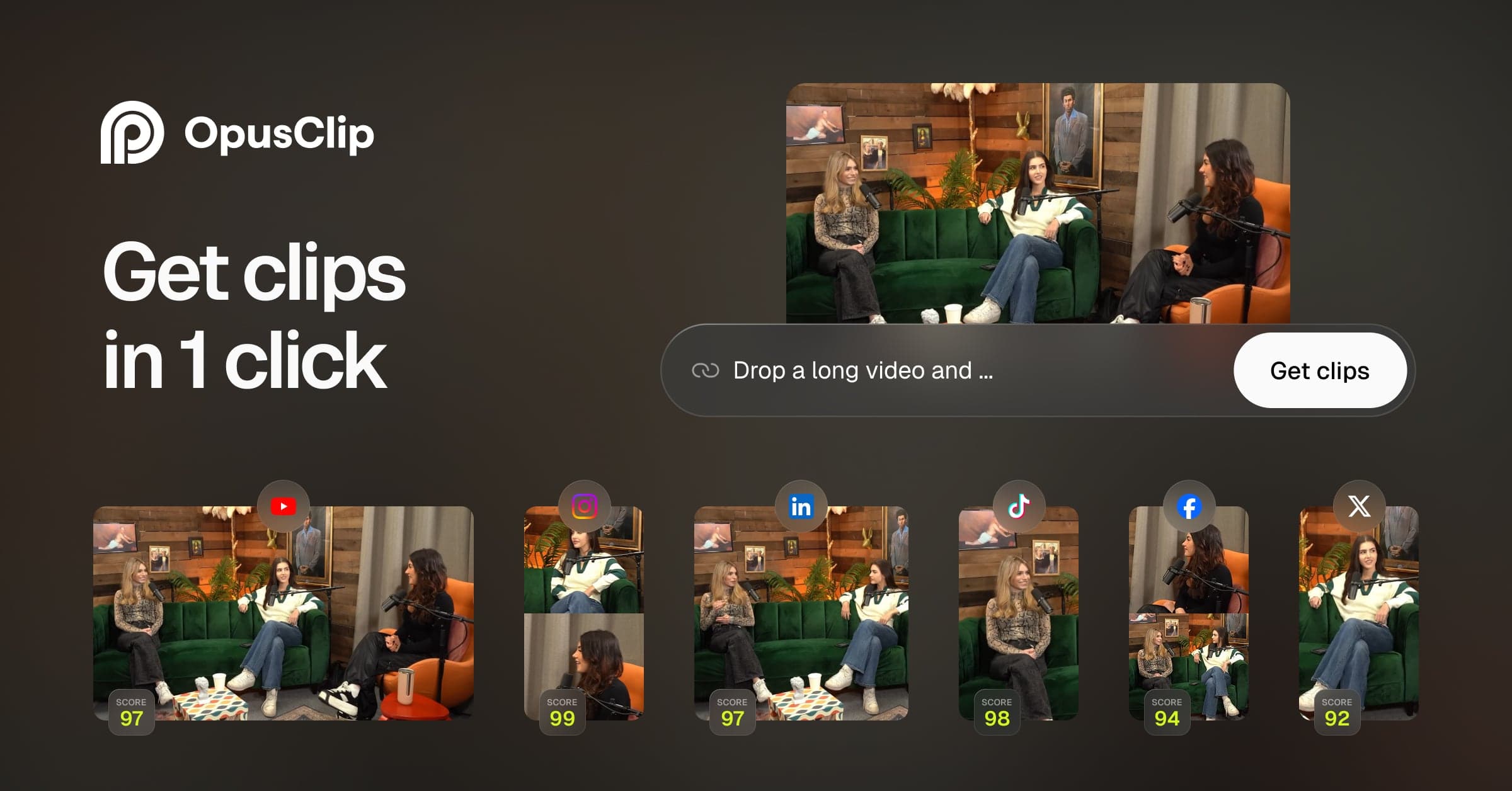
This entry is catalogued from the vendor’s public documentation and pricing page. Because we have not run Recast Studio against our standard brief, we deliberately do not publish an editorial score for it — a number we could not defend would be worth less than no number at all.
Save it to set a status, keep notes, and get price-change alerts.
What is Recast Studio?
Recast Studio is an AI tool for turning long-form recordings into short, platform-ready content.
Turns podcast episodes into clips, show notes, blog posts, and social captions automatically. Recast Studio is built for turning long-form recordings into short, platform-ready content. Its highlighted capabilities include Podcasts, Show Notes, Clips, Social Copy. Use it when a podcast, interview, webinar, or long video needs a faster path to multiple short-form posts.
Best for: turning long-form recordings into short, platform-ready content
Standout metric: Episode to Assets
Editorial expansion based on the existing catalog description and listed capabilities; not a vendor-verified product claim.
This entry is catalogued from public sources — we have not run Recast Studio ourselves. Read our methodology.
Recast Studio FAQ
How much does Recast Studio cost?+
Recast Studio is a paid product. Entry pricing starts at $29/mo. Confirm current pricing on the vendor page before committing.
Has Noxifera tested Recast Studio hands-on?+
Not yet. Recast Studio is catalogued from public information and carries no test claim and no score. Tools earn a score only after a hands-on test with published evidence.
What are the best alternatives to Recast Studio?+
In our catalog, the closest video repurposing alternatives include OpusClip, CapCut, InVideo. Each has its own page with pricing and verification status so you can compare on facts, not hype.
OpusClip analyzes long-form videos using AI virality scoring to extract the highest-retention vertical clips. Auto-captions, emojis, and smart reframing included.
Synchronizes animated captions with your voice, inserts context-aware B-roll graphics, applies smooth camera zoom transitions, and adds subtle sound effects.